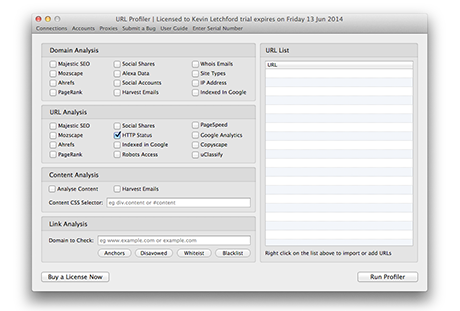

Thanks for downloading URL Profiler
Download not started yet? Please click here
Follow Social Channels



System Requirements
Machines must have at least 3GB of usable/free RAM and be running either Windows Vista/7/8/10/2008/2012 or Mac OS X 10.8+.
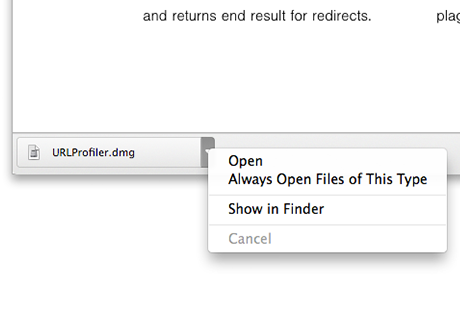
1When your download has completed, click open to begin the installation process.
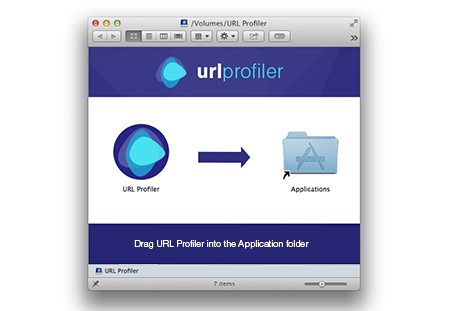
2Drag the application into your applications folder to install it.
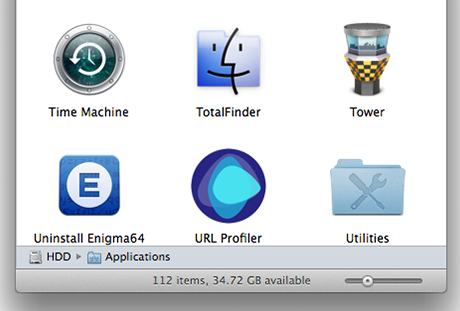
3To open URL Profiler, open your Applications folder and click on the app to launch it.
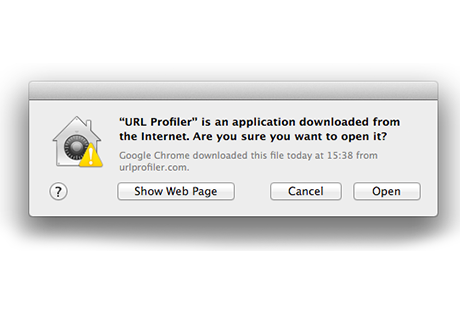
4Depending on your security settings you may have to confirm that you want to open the app.
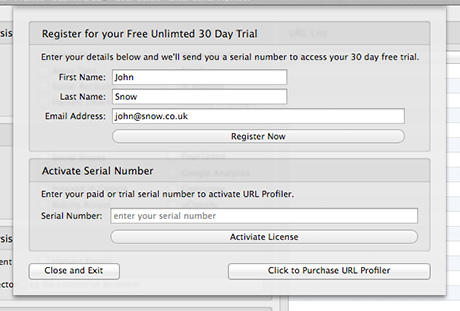
5Once the app has loaded enter your First Name, Last Name and Email address to register for your free trial.
6Copy and paste your serial number you received in your email into the serial number text box.
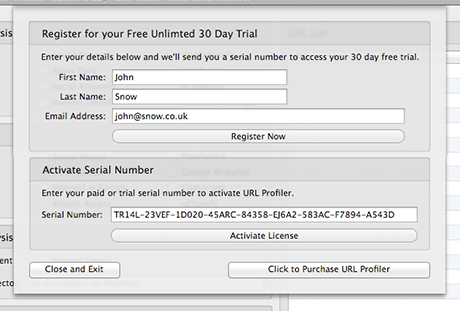
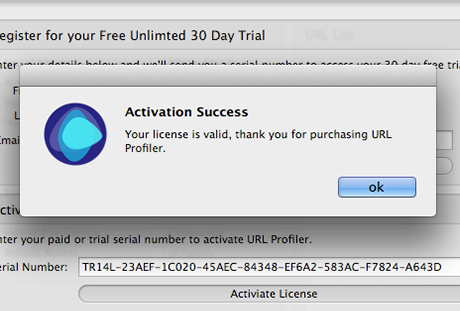
7If the serial number is correct you will get a confirmation window telling you your activation is successful.
8Depending on your security settings you Windows or your web browser may ask permission to open the installation file.